
AI Tools for Dentists in 2026: A Practical Guide for Practice Owners
What AI can and cannot do in a dental practice today - the real categories, what to ask on HIPAA and pricing, and where most practices should start.
- Updated
- Read
- ~10 min
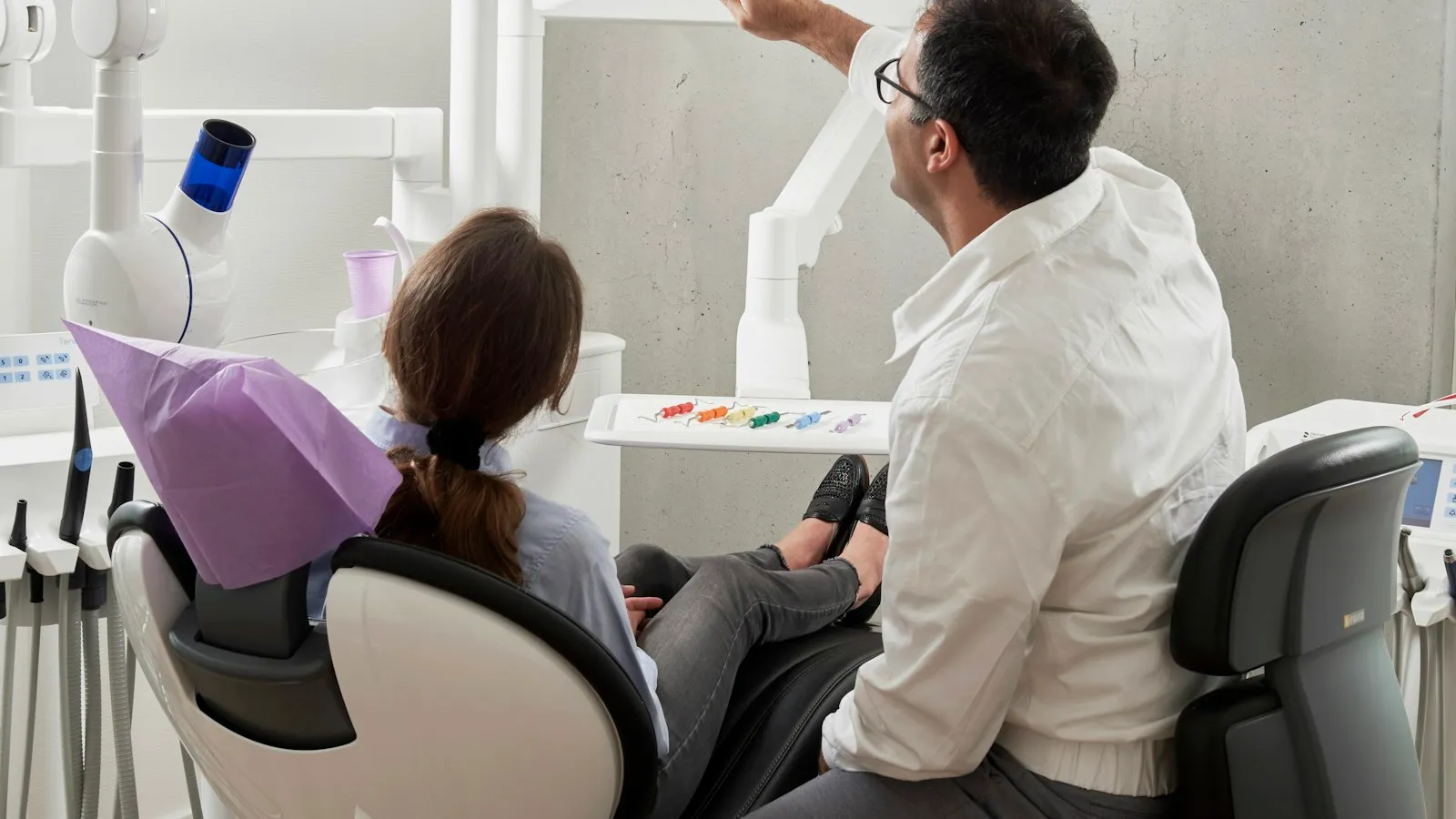
Most of the AI-for-dentists content online in 2026 is a ranked list written by the vendor whose product is at the top of it. That is not useless information, but it is a sales tool rather than a buying tool, and it is the reason the same five products keep appearing in different orders depending on who is paying.
This guide takes the other approach. It names the categories that genuinely exist, the questions that separate a good fit from an expensive mistake, and the compliance details that most ranked lists wave past in a sentence. The goal is not to tell you which product to buy. It is to leave you able to run that conversation yourself, with whichever vendor is in front of you.
The short answer
If your biggest cost is front-desk time, start with an AI receptionist or patient-reactivation tool - the task is narrow, the output is reviewable, and the ROI is visible in weeks. If charting is the problem, a voice-to-note scribe with a BAA is the purchase, and ask for the audit log before signing. If you want image decision support, treat it as a clinical tool, not a productivity tool, and procure it the way you procured your sensor. And for everything that is not clinical and does not touch patient data, a general assistant you already pay for will do the job cheaper than a specialised product.
- Best for
- Practice owners choosing one category to automate this quarter, starting with a signed BAA and draft-mode output
- Not for
- Buying a ranked stack from a vendor blog, or putting patient information into any tool whose data terms you haven't read
Decide the category before you decide the product
Four categories of AI tool are sold to dental practices today, and they are not really competitors - they do different jobs, run against different parts of the practice, and should be bought in a sensible order rather than together.
| Category | What it is for | Watch out for |
|---|---|---|
| Front desk and patient communication | Handling calls after hours, chatting on your website, reactivating overdue recall patients, confirming and rescheduling appointments | Per-message or per-call pricing, and what counts as 'handled' when the patient still had to speak to a person |
| Clinical notes and scribe | Recording the dentist-patient conversation during an appointment and drafting structured notes a clinician then approves | Whether the note writes directly into your practice management system, where recordings are stored, and the audit trail when a clinician edits a draft |
| Imaging and diagnostic support | Flagging regions of interest on radiographs and intraoral images to support clinician review and patient education | Regulatory status in your country, how the tool fits your existing sensor and imaging software, and what training the practice needs to use it correctly |
| Admin, insurance, and analytics | Insurance verification, claims chasing, unfilled-slot alerts, recall rates, missed-revenue dashboards, marketing content drafts | Double-counting savings that your practice management system already tracks, and tools that produce a dashboard nobody opens |
Two practical notes on this table. First, the first row is where most small and mid-size practices should start, because the task is narrow enough to measure, the customer is not yet in your chair, and the failure mode is visible - a bad message from the AI gets corrected before the patient arrives. That is a much kinder learning environment than a chart note or an image read.
Second, the third row is the one most prone to over-buying. Imaging AI is a clinical decision-support product, not a productivity tool, and it should be procured the way any clinical device is procured - with your clinical lead reading the regulatory paperwork, not off a Facebook ad. Several of the ranked lists online conflate it with the first two rows, which is a category mistake that gets expensive fast.
The questions that actually separate products
Once you have picked the category, these are what distinguish one product from another. Ask them in this order - the early ones disqualify faster.
1. Will you sign a Business Associate Agreement, and under what data terms?
This is the first question because it decides whether the tool is legally usable with patient information at all. In the United States, a HIPAA-covered dental practice may only share Protected Health Information with a vendor that has signed a BAA with you. “HIPAA compliant” on a marketing page is not a BAA. “HIPAA ready” is definitely not a BAA. Ask for the agreement by name, read the data-use terms attached to it, and note three things in particular:
- Training. Is your practice’s data used to train the vendor’s models, in any form, including de-identified?
- Retention. How long is a recording, transcript, or message kept, and can you force deletion?
- Access. Who at the vendor can see the data, under what controls, and is that logged?
A vendor who hesitates on any of these is answering the question. If you are outside the US, substitute your equivalent regime - the UK’s UK GDPR plus the NHS data protection toolkit, the EU’s GDPR with any national health-data rules, and so on - and ask the same three questions.
2. How are you billed, and what counts as a billable unit?
This is the hardest thing to undo after a signature, because the pricing model decides what a busy month costs far more than the published rate does. Dental AI tools are commonly billed per seat, per patient, per transcribed minute, per message or call handled, per image read, or against a pool of credits that different operations consume at different rates.
So ask, specifically:
- What is one billable unit, in plain words?
- How are failed runs counted? A scribe that mis-transcribes an appointment and has to be reviewed from scratch is a different cost than one that works.
- How are escalated or handed-over conversations counted? A front-desk AI that transfers a third of calls to your receptionist may or may not charge you for them, and the answer changes the economics completely.
- Is there a cap, an alert, or an overage rate?
Then price your peak month at the top of your expected range. A front-desk AI costs most in the week your receptionist is off sick, which is the week you are least likely to be reviewing invoices.
3. Can it run in draft or approval mode?
Non-negotiable for anything that writes to a patient or into a chart. You want the AI preparing text your team releases, at least until it has earned more than that. Ask whether approval can be set per action - drafting a recall text alone, but asking before confirming an appointment - because all-or-nothing autonomy is far less useful than it sounds.
A scribe that cannot be held in draft mode is telling you what stage of the market it is at. So is a receptionist tool that defaults to sending without review.
4. What does it do when it does not know?
The single most informative question you can ask, and the one most likely to be answered vaguely. You are looking for an explicit, configurable behaviour: say it does not know, escalate, and stop. The failure mode you are guarding against is not silence - it is a confident, plausible, wrong answer, delivered to a patient in your practice’s name.
Ask to see that behaviour in a trial, on a question the tool has not been trained on. Make up something your practice policy does not cover and watch what happens.
5. What can you see afterwards?
You need a log of what the tool did and why - which patient, which message, which source it used, which clinician approved it. Without that, debugging is guesswork, and a question from a regulator, an insurer, or a patient cannot be answered. For scribes this matters doubly, because the record of what the AI drafted and what the clinician changed is what makes the chart defensible.
6. Does it fit the practice management system you already run?
Open Dental, Dentrix, Eaglesoft, and CareCloud are the names that keep appearing in dental AI vendor documentation. An AI tool that forces a double-entry workflow - the AI writes somewhere, and then a human copies it into your actual system - is not a saving, it is extra work badly disguised. Ask to see the integration in a demo, not described in a slide.
7. How do you turn it off?
Mid-run, immediately, and without losing the record of what it had already done. Ask before you need it, so the answer is not improvised during an incident.
What a sensible first purchase looks like
- Name the bottleneck. Not the thing that annoys you most - the thing where time is measurably being lost. Phone calls missed? Charting time at the end of each day? Recall patients not booking? Pick one.
- Measure the baseline for two weeks. You cannot grade an AI tool against a standard you have not established. Count missed calls, count after-hours charting minutes, count no-shows - whichever matches your bottleneck.
- Pick the category, then shortlist two products. Two, not six. Beyond two you are comparing marketing pages rather than behaviour, and dental AI marketing is particularly polished.
- Ask both vendors the seven questions above. In writing where possible. The answers vary more than the websites do.
- Trial both on the same real work, with draft mode on and a clinician or office manager approving every output for the first two weeks.
- Count review time as cost. A scribe that saves fifteen minutes of charting and adds ten minutes of review saved you five, not fifteen. How much does AI cost for a small business covers the wider arithmetic of what an AI stack actually comes to.
- Decide on evidence, then widen one setting at a time. More autonomy, more patient types, or more hours of day covered - never two at once.
Where general-purpose assistants fit in
A practice can get a real amount of mileage out of the general assistants it probably already has access to - Claude, ChatGPT, or the Copilot that comes with a Microsoft 365 business subscription - as long as the work is kept away from patient information.
The jobs that fit this shape, in rough order of safety:
- Website copy, treatment explainers, FAQ pages that go to the whole public and contain no patient data.
- Marketing drafts - social captions, newsletter sections, Google Business posts - cleared by a human before publication.
- Staff training material and internal SOPs, with clinical content reviewed by whoever actually owns the clinical standard.
- Draft replies to non-patient enquiries - suppliers, recruiters, representatives - where the content involves no PHI.
- Summaries of CPD articles or policy updates you need to read but do not have time to read in full.
The important discipline is a bright line between these tasks and anything containing PHI. Claude vs ChatGPT for small business covers how the two differ for this kind of administrative work, and AI tools vs virtual assistant covers when an assistant - AI or human - is the better answer than another piece of software.
When not to buy any of it
Four situations where the honest recommendation is to spend nothing on dental AI this quarter:
Your practice management system already does the task. Modern Dentrix, Eaglesoft, Open Dental, and CareCloud installations ship with scheduling automation, recall messages, and claim status features. Buying another tool to do what you already pay for is the easiest overspend in dentistry.
You have not fixed the process yet. Automating a broken recall workflow produces more broken recall at scale. Fix the manual version first, then automate the version that works.
The task is clinical. AI-assisted imaging, caries detection, and anything diagnostic belong on the clinical procurement track, with your associate dentists and your regulator’s guidance, not alongside a receptionist tool.
Nobody in the practice has time to own it. AI tools without an owner drift into disuse within a quarter and stay on the invoice for a year. If no named person is going to review the outputs, read the logs, and raise issues with the vendor, do not buy the tool.
The honest summary
Dental AI in 2026 is genuinely useful at the narrow, administrative end, and genuinely overclaimed at the broad, “autonomous practice” end. The categories that work today are the ones where the task is narrow enough to review, the patient has not yet entered the clinical workflow, and a person is approving the output.
Across every category, the shopping list is short: a signed BAA whose data terms you have read, billing you have modelled at peak, draft mode you can scope per action, an explicit do-not-know behaviour you have watched in a trial, a clean integration with the system you already use, and a log you can actually open. A product that gives you those six is a reasonable bet whatever position it holds on somebody else’s ranked list.
For the industry picture around this guide, AI by industry covers how AI shows up differently across marketing, healthcare, finance and other sectors, and AI tools for small business covers the administrative work that fills a small business week.
Share this guide
Keep reading
Category hub
AI by Industry
How AI tools are used across marketing, e-commerce, finance, healthcare, education, property, and support - and what changes from one industry to the next.
In this category
AI Tools for Marketing: Practical Use Cases and Workflows
Where AI genuinely helps marketing teams - planning, research, drafting, repurposing, customer insight, and reporting - and where a person still decides.
In this category
AI Tools for E-commerce: Practical Ways to Use AI
Practical AI use cases for online stores - product copy, support, research, merchandising, email, and review summaries - with the accuracy limits that matter.
In this category
AI Tools for Small Business: Practical Use Cases
Where AI fits in a small business week - customer communication, content, admin, research, sales, scheduling, and the repetitive work nobody wants to do.
In this category
AI Tools for Therapists
Which AI tools genuinely help a therapy practice, which cross a professional line, and the HIPAA and ethics questions that come before any software decision.
In this category
AI Tools for Accountants in Pakistan
Which AI tools genuinely help a Pakistani accounting practice in 2026, where the FBR and SBP rules bite, and where general assistants beat specialised software.
In this category
AI Tools for Coaches
Which AI tools genuinely help a coaching practice, where the ethical line sits, how to handle client data, and the admin wins that start paying off in weeks.
In this category
AI Tools for Cleaning Businesses
Where AI fits in a cleaning business: quotes, scheduling, reviews, and invoicing. Plus the common AI tools that are overkill for this trade in 2026.
Questions
Frequently asked questions
What is the best AI tool for a dental practice?
There isn't a single best one, and any page that names one without saying what it tested is guessing. The useful answer depends on where the time is actually going in the practice. If the front desk is drowning, an AI receptionist or patient-reactivation tool earns its cost quickest. If charting is taking an hour at the end of every day, a voice-to-note scribe is the right first purchase. If you want image-based decision support, that is a separate category with a separate buying process. Pick the bottleneck first, then look at one or two products inside that category.
Are AI tools for dentists HIPAA compliant?
A tool is HIPAA-compliant only when the vendor will sign a Business Associate Agreement with you and handle Protected Health Information under that agreement. The marketing copy saying "HIPAA ready" is not the same thing. Ask for the BAA by name before any patient information goes near the tool, and ask specifically about data retention, training on your data, and who can access it. If a vendor hesitates, that is your answer.
How much do AI tools for dentists cost?
Published figures vary so widely they are not useful as a benchmark - some roundups quote $150 to $600 per tool, others describe multi-tool stacks at $2,000 to $2,500 a month, and a few claim a working setup under $50. What matters more than the number is how you are billed - per seat, per patient, per transcribed minute, per message handled - because the model decides what a busy month costs. Price your peak month, not your average, and ask how failed or escalated runs are counted.
Will AI replace dentists or dental staff?
Not in any serious sense, and the ways it is marketed as doing so are the ways it is most likely to disappoint you. AI tools in dentistry today draft notes, triage phone calls, flag images for review, and chase recalls. None of those is diagnosis, none is treatment, and none is the clinical judgement a patient is actually paying for. The practices seeing a real saving are the ones that moved administrative time to software and kept clinical time human.
Can I use ChatGPT or Claude in my dental practice?
For non-clinical administrative work that contains no patient information - draft replies to marketing enquiries, staff training materials, website copy, generic educational handouts - yes, and they are the cheapest starting point. For anything involving Protected Health Information, the free tiers of general assistants are not suitable because their terms do not cover HIPAA. Business and enterprise tiers can, but only once a signed BAA is in place and only under the data terms attached to that tier.
What should I avoid when buying AI tools for a dental practice?
Four mistakes show up repeatedly. Signing before seeing a BAA. Buying multiple categories of tool in the same month, so you cannot tell which is working. Letting the AI write to patients or chart notes without a clinician approving every output for the first several weeks. And trusting any pricing page that advertises an all-inclusive monthly figure without telling you how messages, minutes, or image reads are counted.